Loyalty Program F.A.Q.
1. On your smartphone tap here and sign up for the loyalty program. (iPhone users use Safari browser)
2. After signing up for the loyalty program –
Android Users: Enable notifications. Then save your loyalty card to your Google Wallet or install the loyalty card on your phone's home screen by tapping install to home screen button.
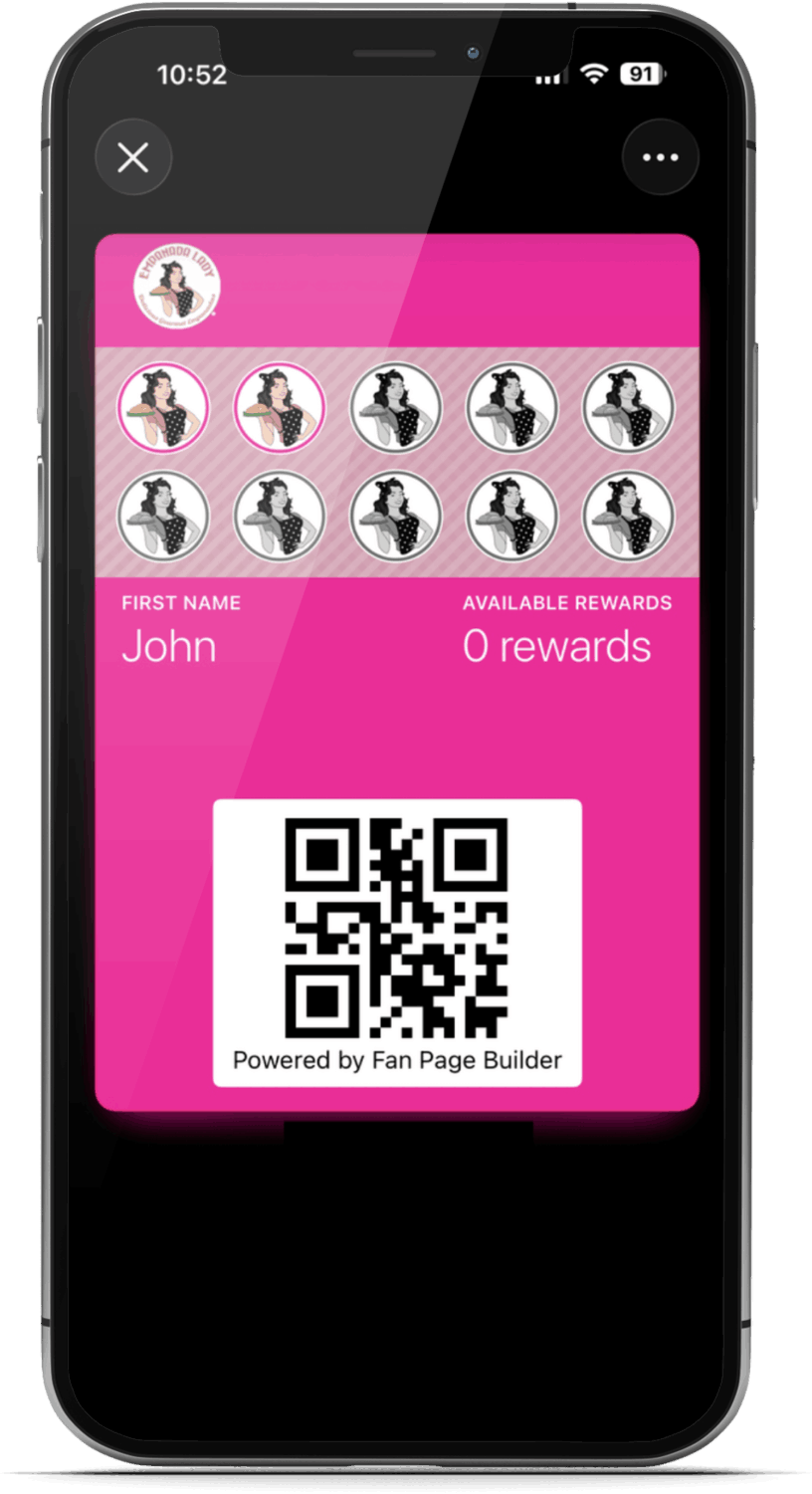
iPhone Users: After tapping install in Apple Wallet button, wait for the loyalty card to generate then tap Add in the top right corner to add your loyalty card to the iPhone Wallet
When you pickup your order have your loyalty card scanned.
Receive 1 stamp with any purchase $19 or more (before tax, tip, and fees). 1 stamp per visit.
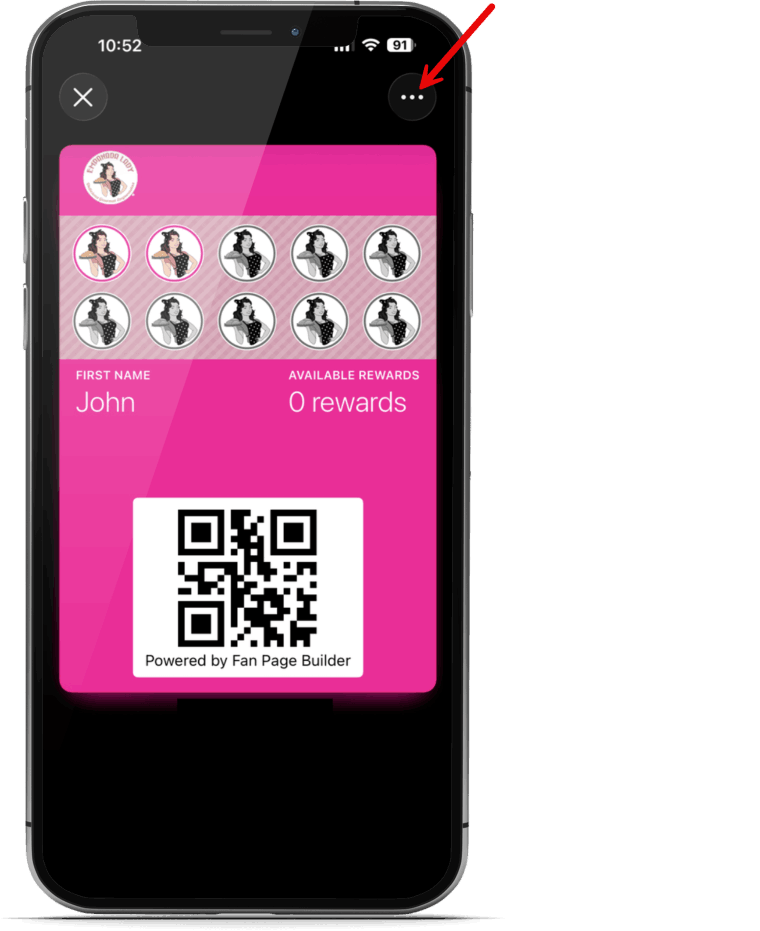
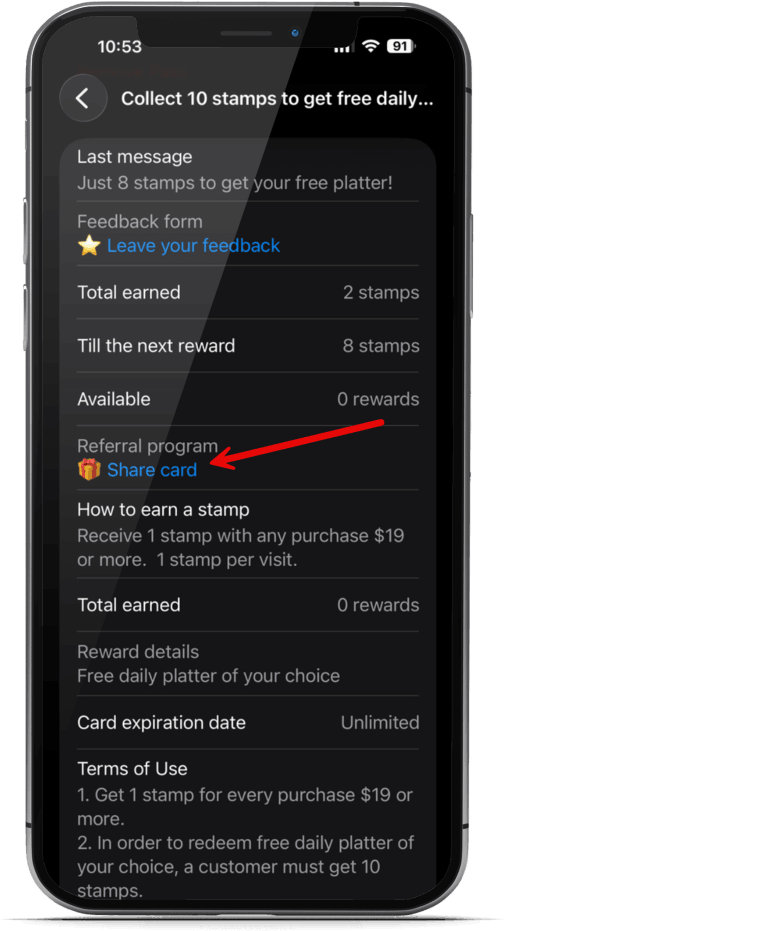
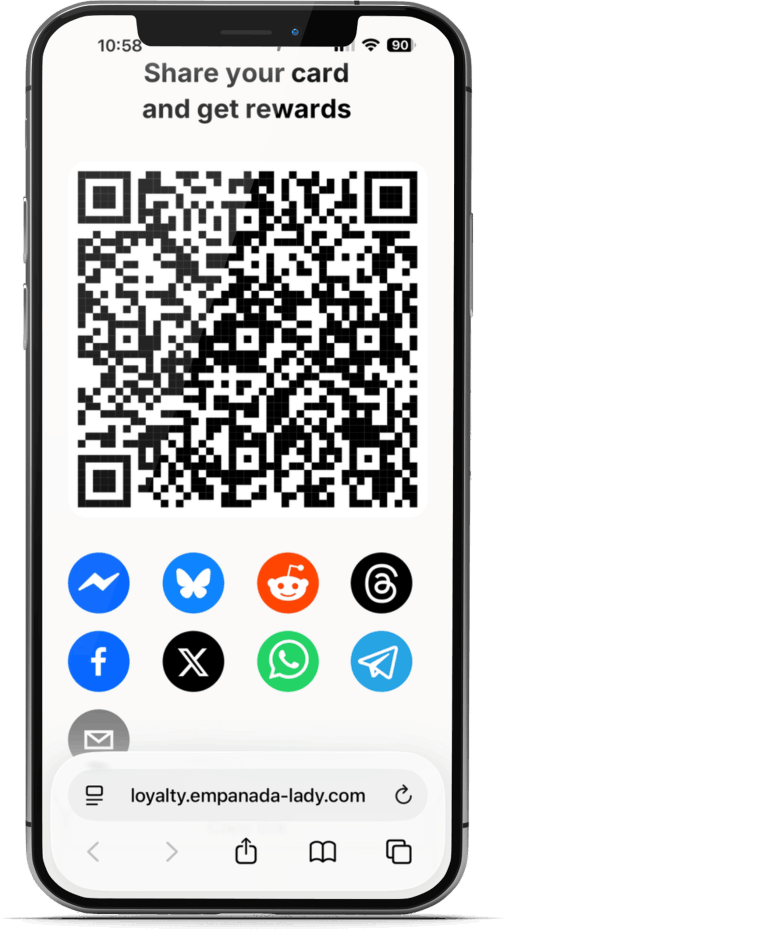
Get bonus stamps by using your referral link. Open your loyalty card, tap the three dots in the top‑right corner, and select the referral program. Share your link, and both you and anyone who joins through it will receive a bonus stamp after their first qualifying purchase and loyalty card scan.
You get 1 free daily platter every time you collect 10 stamps.
No the stamps do not expire.
Simply sign up with same telephone # and email. You will receive a text with 4 digit confirmation number that you will have to enter to recover your loyalty card.